
Ten prompts you can copy into any AI chat tool, what each one changes, and where prompting stops working.
A good prompt to humanize AI text tells the model exactly what to change: vary sentence length, use plain everyday words, remove stock transitions, add specific details you provide and keep every fact the same. Prompts improve the draft, but models drift back to their default style, so the result still needs a human edit and a final check.
Vague instructions get the model's default style back: even sentences, safe vocabulary and the same stock transitions. A useful prompt names the specific patterns to change and gives the model material it cannot invent, such as your notes or a sample of your writing. The prompts below follow that rule. Replace the parts in brackets.
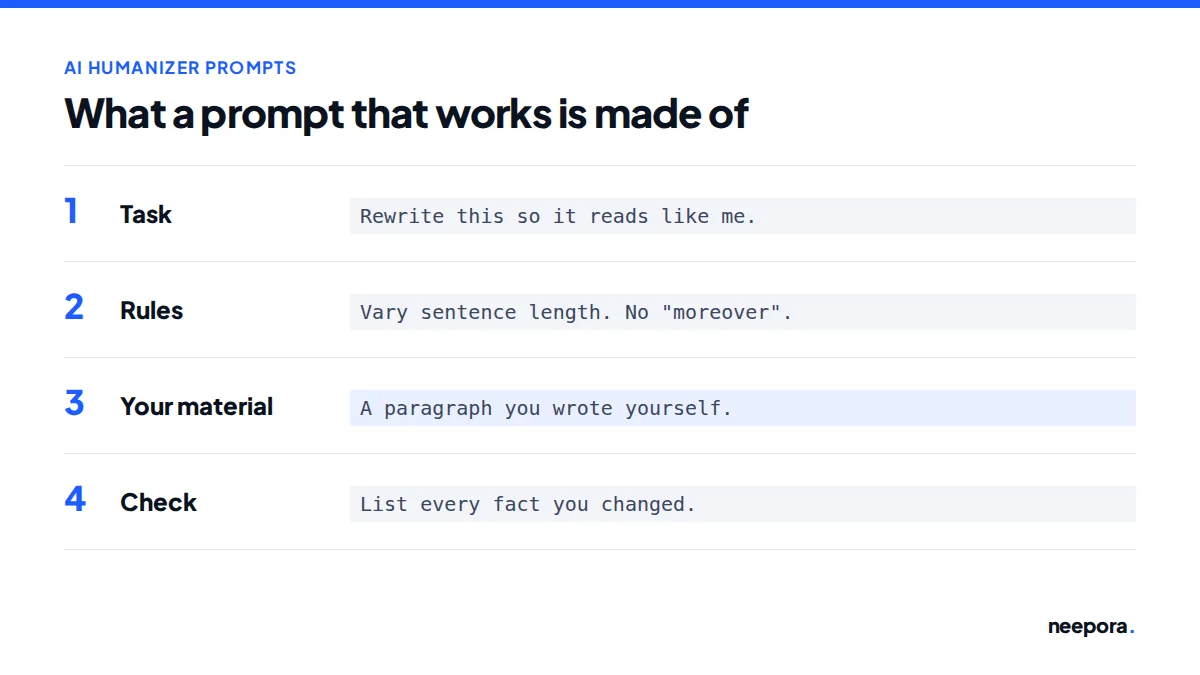
Rewrite the text below so it reads like a person wrote it.
Rules: vary sentence length (some under 8 words, some over 25); use plain, everyday words; remove transitions like "Moreover", "Furthermore", "Additionally" and "In conclusion"; do not add facts, numbers or examples that are not in the original; keep the meaning of every sentence.

[paste text]
Do not change the wording more than needed. Only change sentence length and structure so no two sentences in a row have the same length or start the same way.

[paste text]
Find and remove or replace these phrases: "it is important to note", "plays a crucial role", "in today's world", "a wide range of", "delve into", "navigate the complexities". List each change you made after the text.

[paste text]
Replace formal or inflated words with the plainest word that keeps the meaning (for example utilize to use, commence to start, significant to big or large). Keep technical terms that have no plain equivalent.

[paste text]
Here are my notes with real details: [your notes, names, numbers, examples].
Rewrite the text below so that each general claim is replaced by one of these details. Use only the details I gave you. Do not invent any.

[paste text]
Here is a sample of my own writing: [paste 150 to 300 words you wrote].
Describe my style in five bullet points (sentence length, word choice, tone, punctuation, how I open paragraphs). Then rewrite the text below in that style.

[paste text]
Restructure this text: open with the most concrete example, then make the main point, then the supporting points in order of importance. Merge or drop any paragraph that repeats another.

[paste text]
Rewrite this as [an email to a colleague / a personal blog post / a short speech]. Use contractions where natural and the first person where it fits. Keep it under [number] words.

[paste text]
Compare the original and the rewrite below. List every place where the meaning, a fact, a number, a name or a quotation changed. Do not rewrite anything.

Original: [paste]
Rewrite: [paste]
List the five sentences in this text that sound most generic or machine-written and explain why in a few words. Then rewrite only those five sentences and leave the rest unchanged.

[paste text]
| Problem in the draft | Prompt to use | Watch out for |
|---|---|---|
| Every sentence sounds the same | 2. Fix the rhythm | Choppy fragments if pushed too far |
| Filler and stock transitions | 3. Cut stock phrases | New stock phrases replacing the old ones |
| Generic, could-be-anyone text | 5. Add your own specifics | Invented details: check every one |
| Does not sound like you | 6. Match my voice | Needs a real sample of at least 150 words |
| Not sure what changed | 9. Meaning check | Run it after every rewrite |
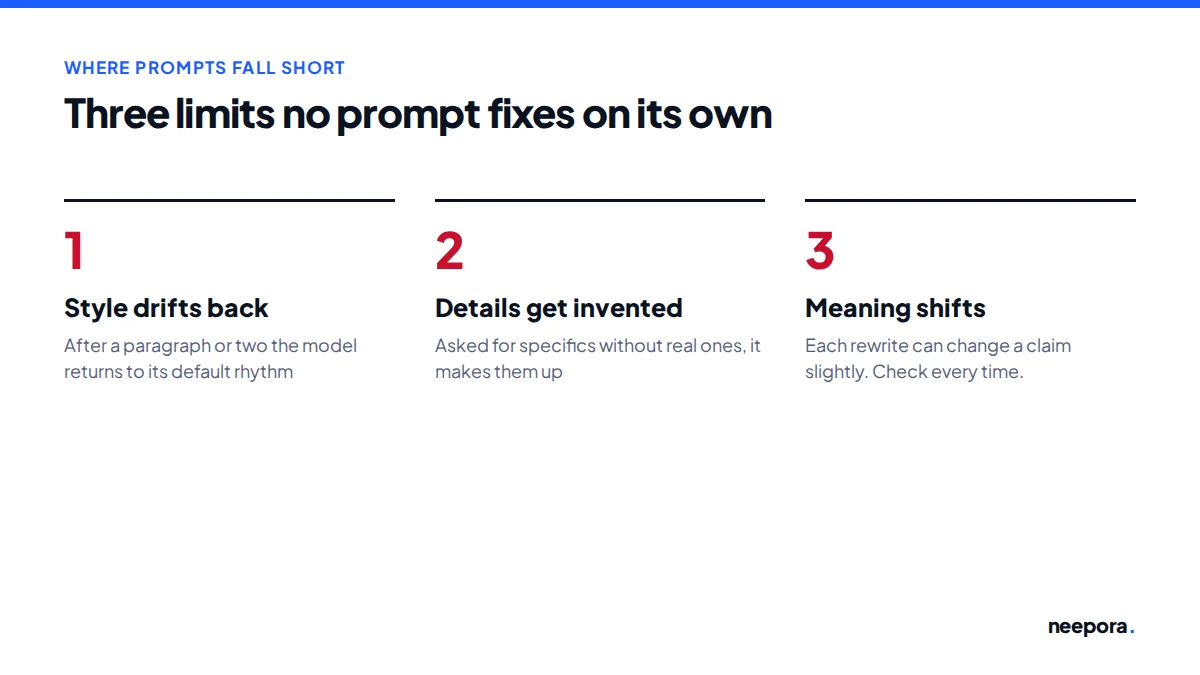
Prompting has three limits. Models tend to slide back into their default style after a paragraph or two, so long texts come out uneven. They invent details when asked for specifics without real ones, which is why prompt 5 only uses your notes. And each rewrite can shift meaning slightly, so run the meaning check every time.
If you rewrite often, a dedicated AI humanizer applies these rules consistently across a whole document and scores the result, but the final read is still yours. If your school, employer or publisher requires you to disclose AI assistance, disclose it; no prompt changes that.
A specific one: tell the model to vary sentence length, use plain words, remove stock transitions, keep every fact and add only details you supply. Prompt 1 above combines these rules.
No prompt guarantees that. Prompts lower how predictable a text is, but models drift back to their defaults and detectors differ. Editing the result yourself matters more than the wording of the prompt.
Yes. They are plain instructions and work in any general-purpose AI chat tool. Results vary by model, so check the output each time.
Long or vague prompts get partly ignored. Give one or two clear rules at a time, paste shorter sections and run a second, targeted pass on what still sounds off.
Give the model a real sample of your own writing, ask it to describe your style first, then ask it to rewrite in that style. Then edit the result by hand.
How to humanize AI text without losing meaning
How to avoid AI detection in your writing
Do AI humanizers work? Our tests
Updated October 10, 2026